Git and Github Beginners: Basics and Essential Commands
In the software World, every beginner developer thinks that git and github are both the same but its not. Today we will understand the main difference between them.
What is Git?
Git is a version control system, that keeps the track of your code. For example 5 developers are working on building a software. Every developer adds code to that particular project, but is very hard to identify which line of code/ feature added by whom. This problem will be solved using the Git software.
After initializing the Git into your project, git tracks the code. Now we will come to know which line of code/feature is being added by whom.
What is Github?
Github is a centralized place where we host our project. Github solves the collaboration problems to the developers. Let us understand with the example, assume 5 developers are working on a software from different locations. Each developer will we writing code for different features. So these 5 Developers need a centralized place where they host their project. So these 4 developers will push the code the centralized place and they also take the latest code from the centralized place.
Basic Terminology of Git
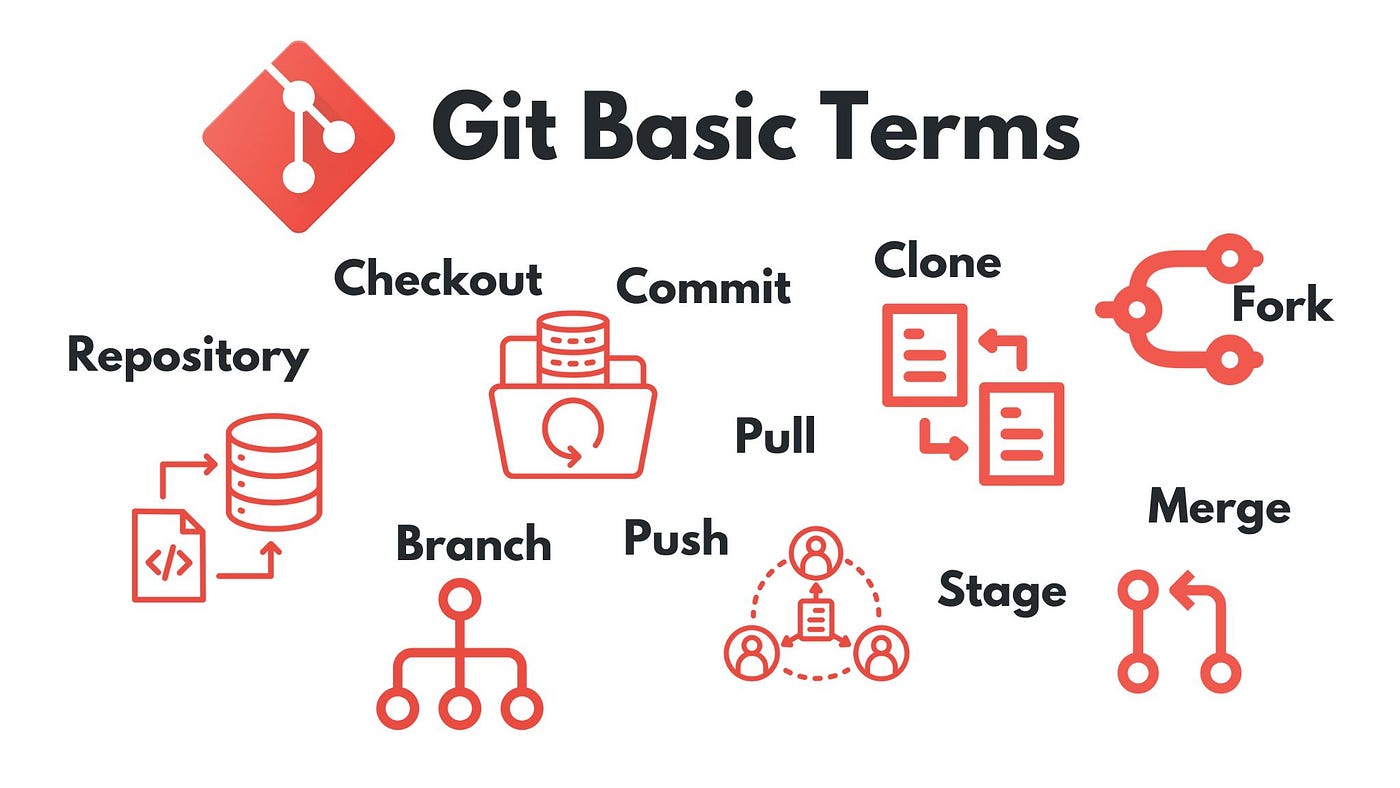
1) Repository: In fancy terms the file folder of our projects is called Repository.
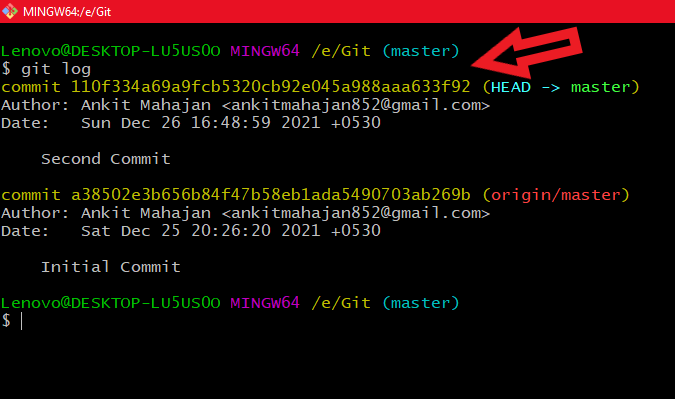
2) Commit: Commit is a snapshot of our code. What ever the code that you have added to the staging area is now ready to commit. This commit will be having a hash id. All the changes that you made is kept as snapshot.
3)Branch: While working in the Git, there will be a main branch. No body works on that branch because that branch is live on production. So developers will create a sub branch from the main branch to experiment with the code.
4)Head: Every time you make a commit in the git, the head will be pointing to the latest commit. Because of this Head we will be able to do to and fro changes in the code.

Some basic Git Commands
1) git init : Initalizes empty git repository in the project folder.
2) git add : Adds all the files to the staging area.
3)git commit : Adds all the code from stating area to Local Repo.
4)git push : Pushed all the code from Local repo to the Remote repo (i.e Github)
5)git pull : takes the lates code from Remote repo to the working directore.
6) git log: Displays all the commits with their hash id’s and their commit msg